Control your lights and devices using your voice with Google Assistant, allowing you to turn lights on/off, dim, or activate automations hands-free.
Step 1: Open the Google Home app
Install and open the Google Home app from your phone's app store.
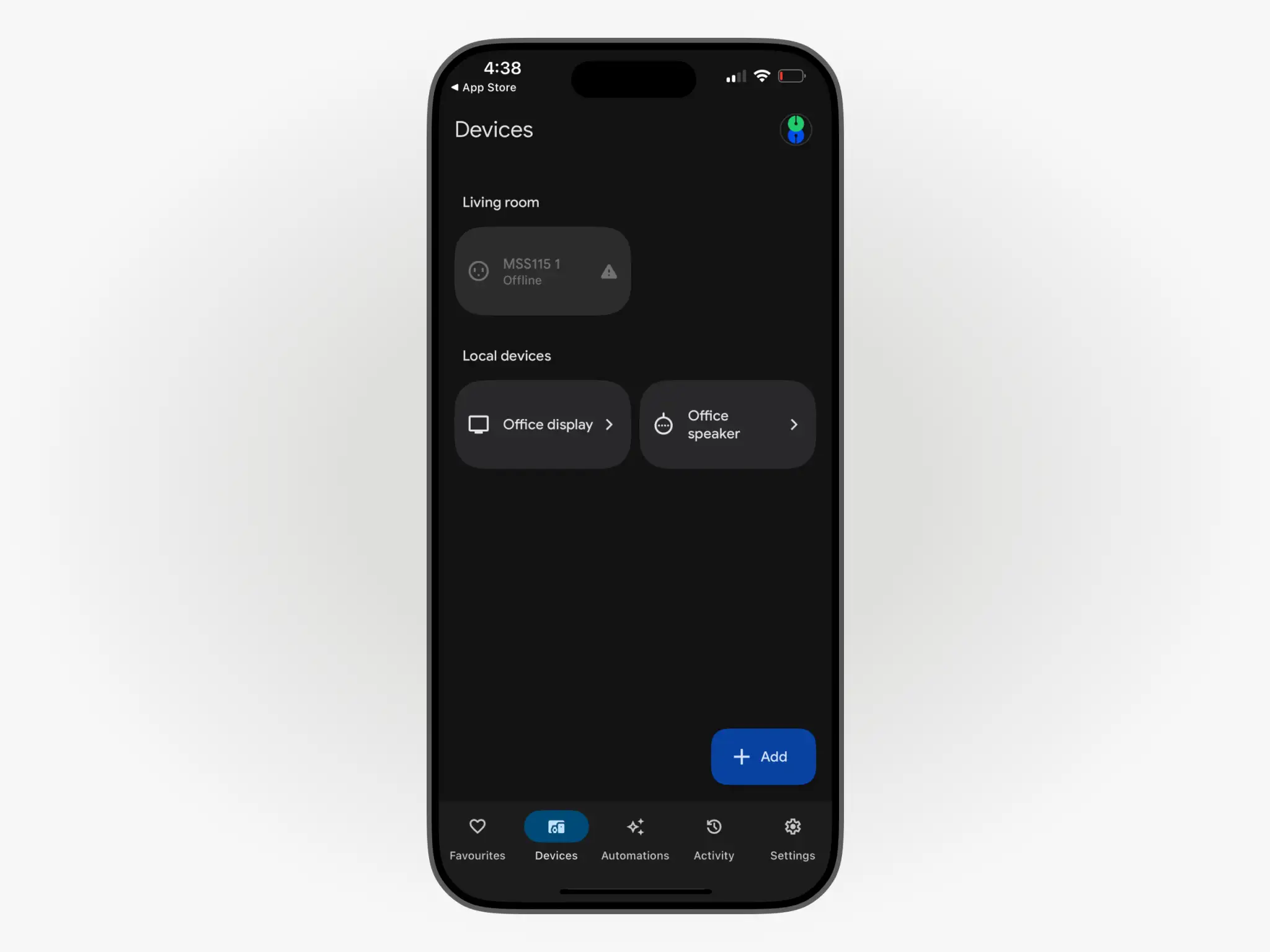
Step 2: Tap the "+ Add" button
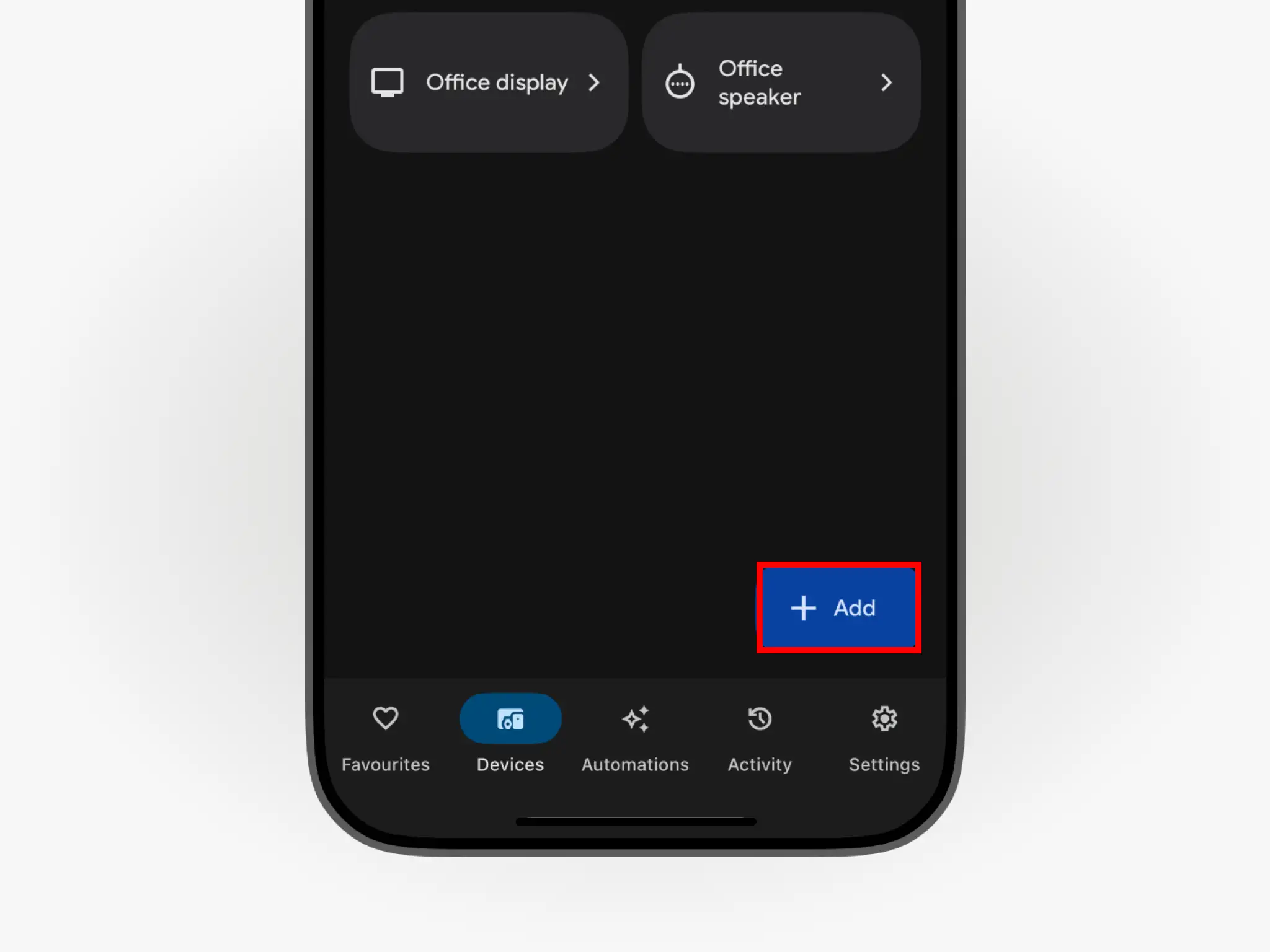
Find the Devices tab in the bottom navigation bar and tap the "+ Add" button.
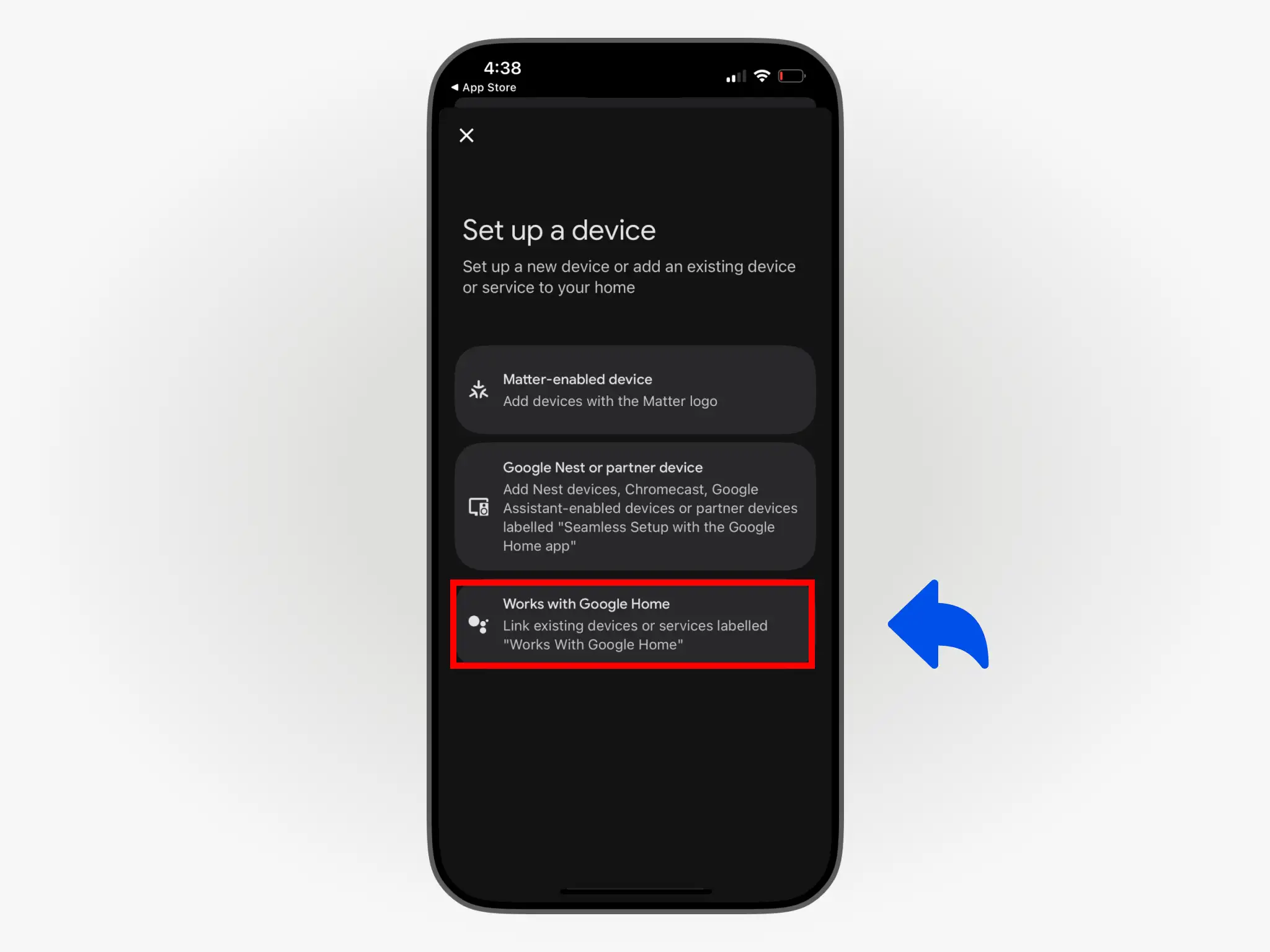
Step 3: Select Works with Google Home
In the Set up a device page, select the Works with Google Home option.
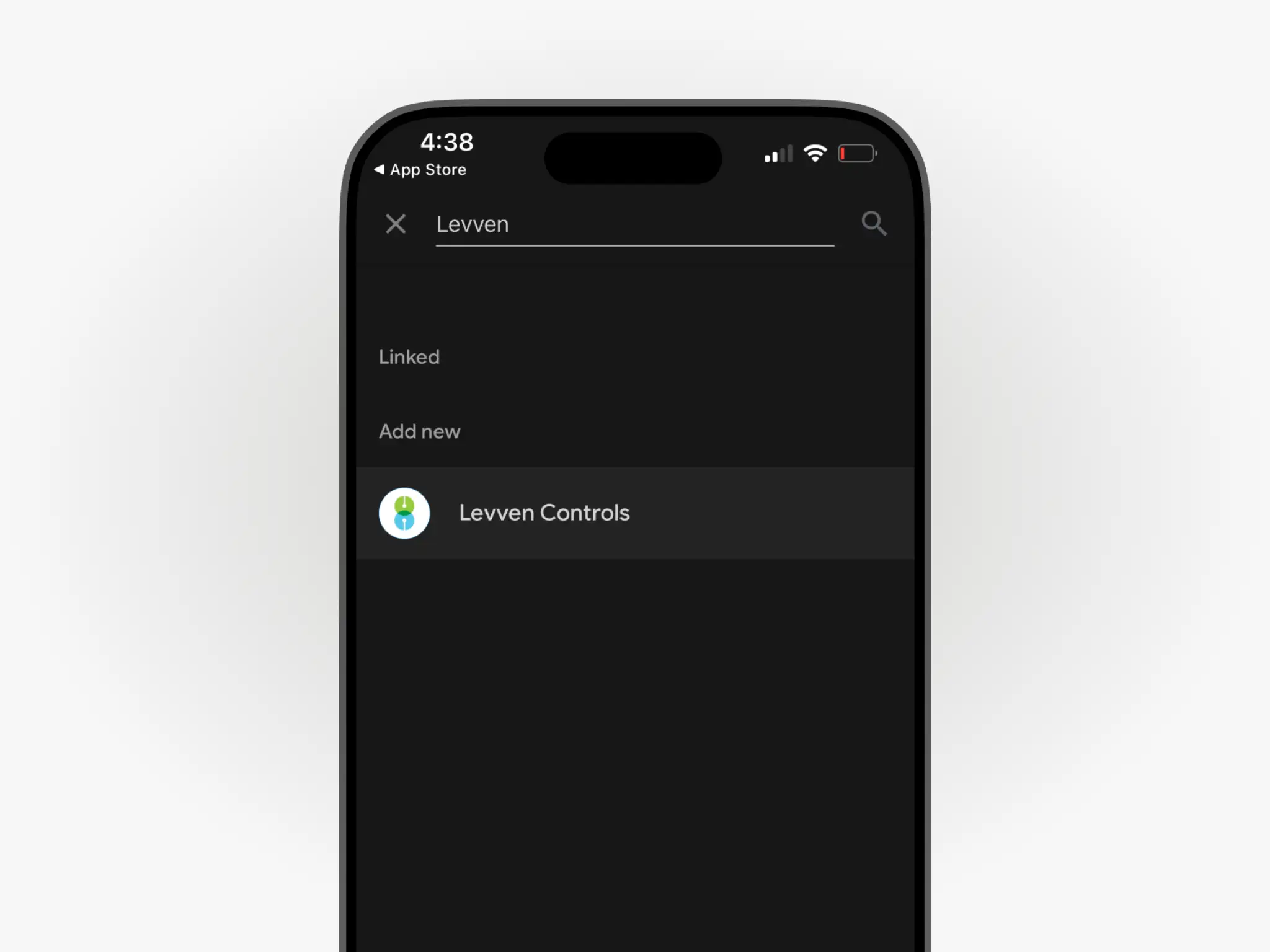
Step 4: Search for "levven"
Tap the search bar and look up levven.
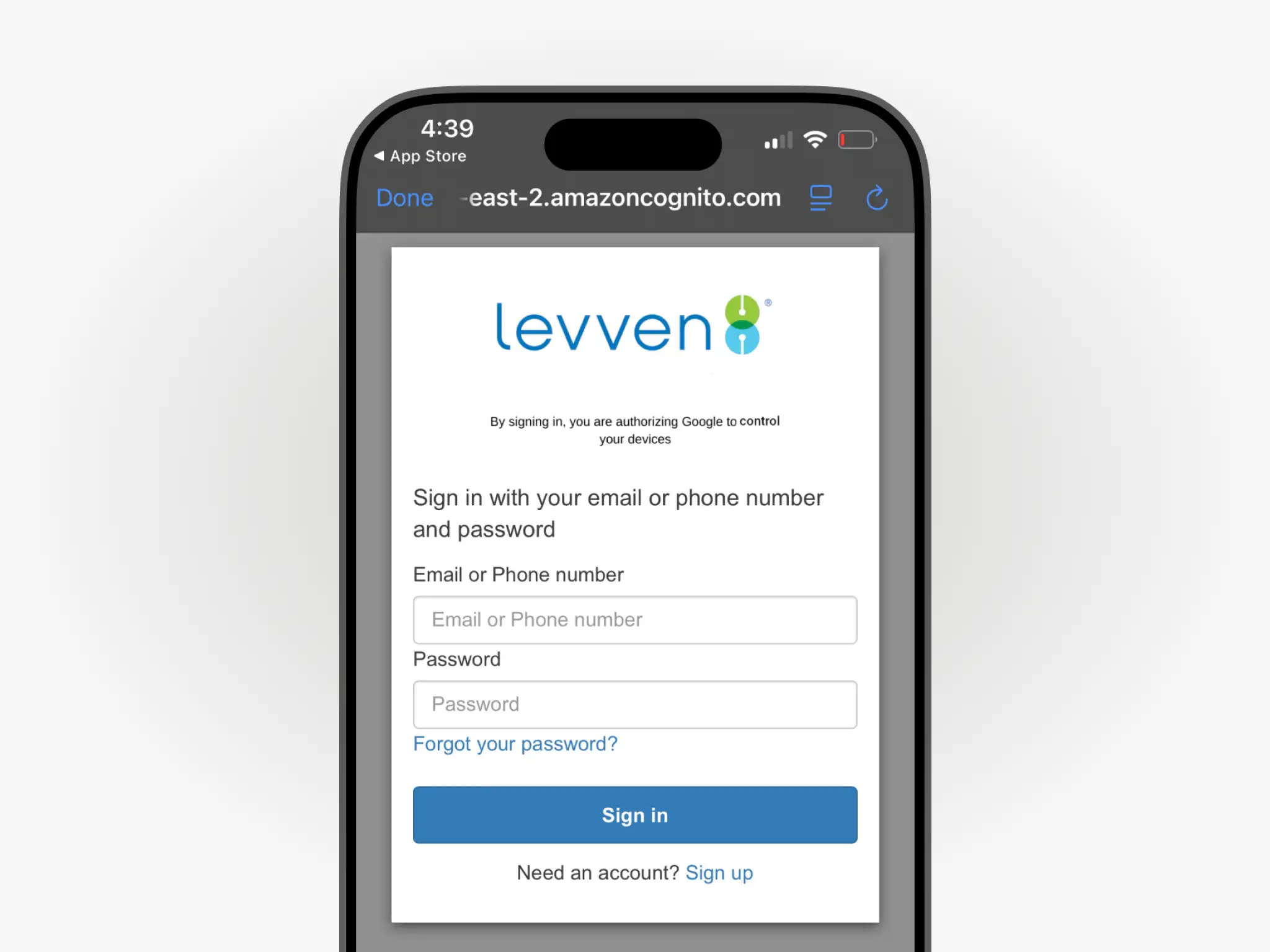
Step 5: Log in to your Levven account
If using a phone number, enter in the format: +Country Code, Area Code, Phone Number (e.g., +1222333444).
If using an email, please be aware that letters are case sensitive.
Step 7: Wait for the devices to be discovered
Google Assistant will discover Levven devices and migrate them. This might take a few minutes, depending on the number of devices.